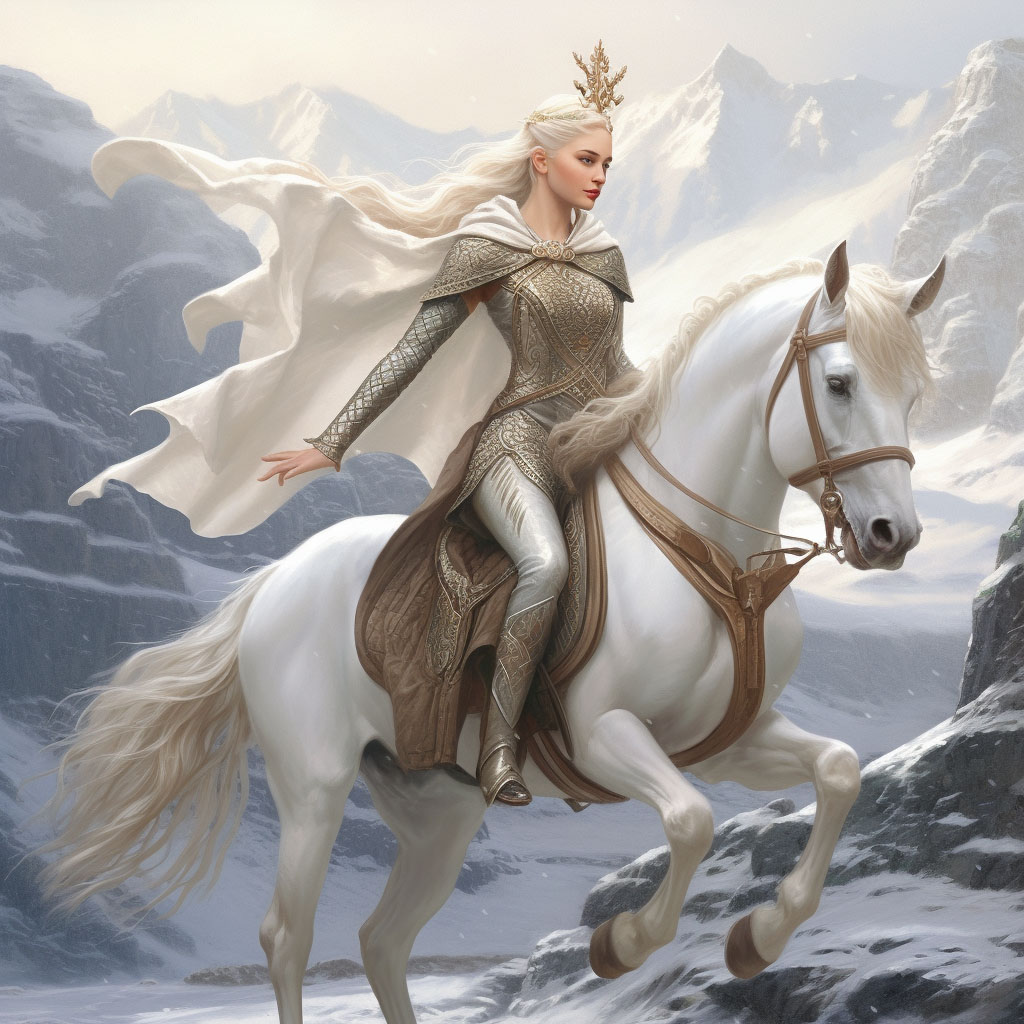
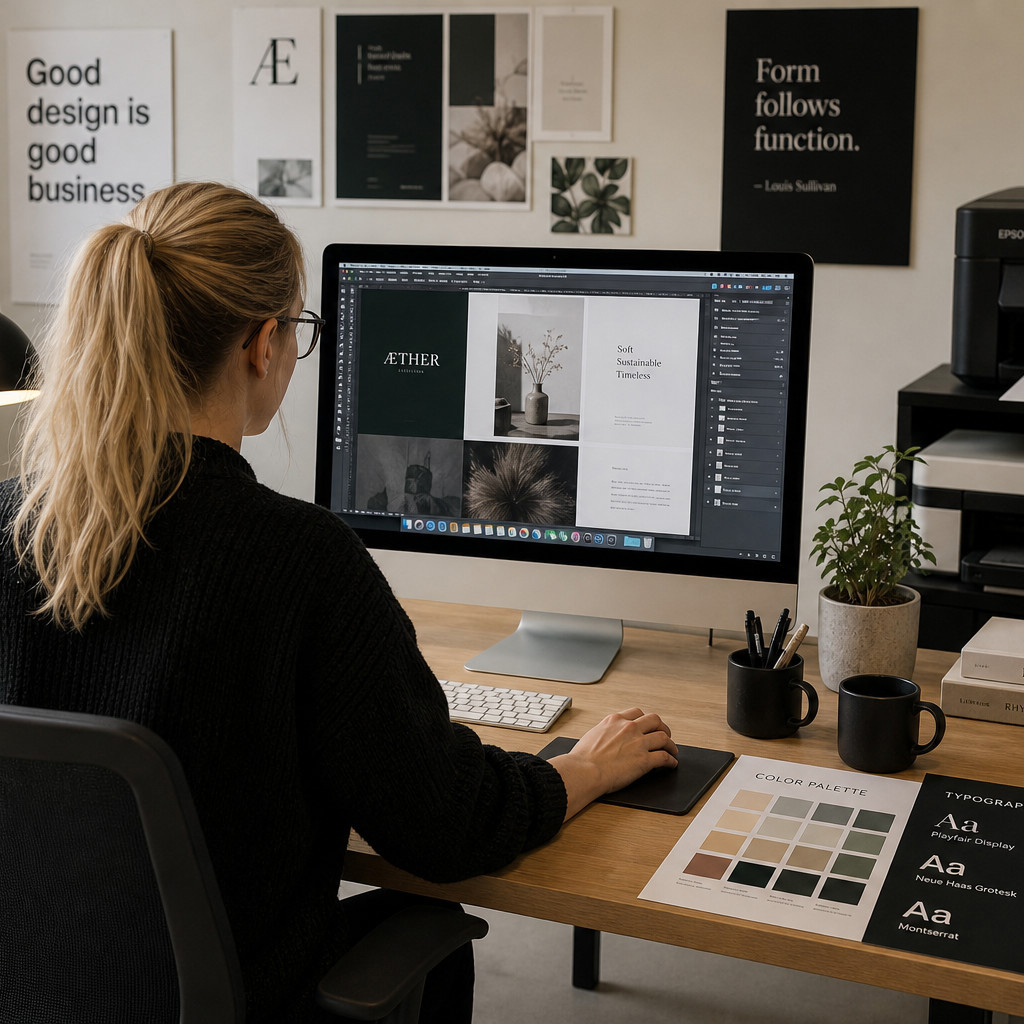
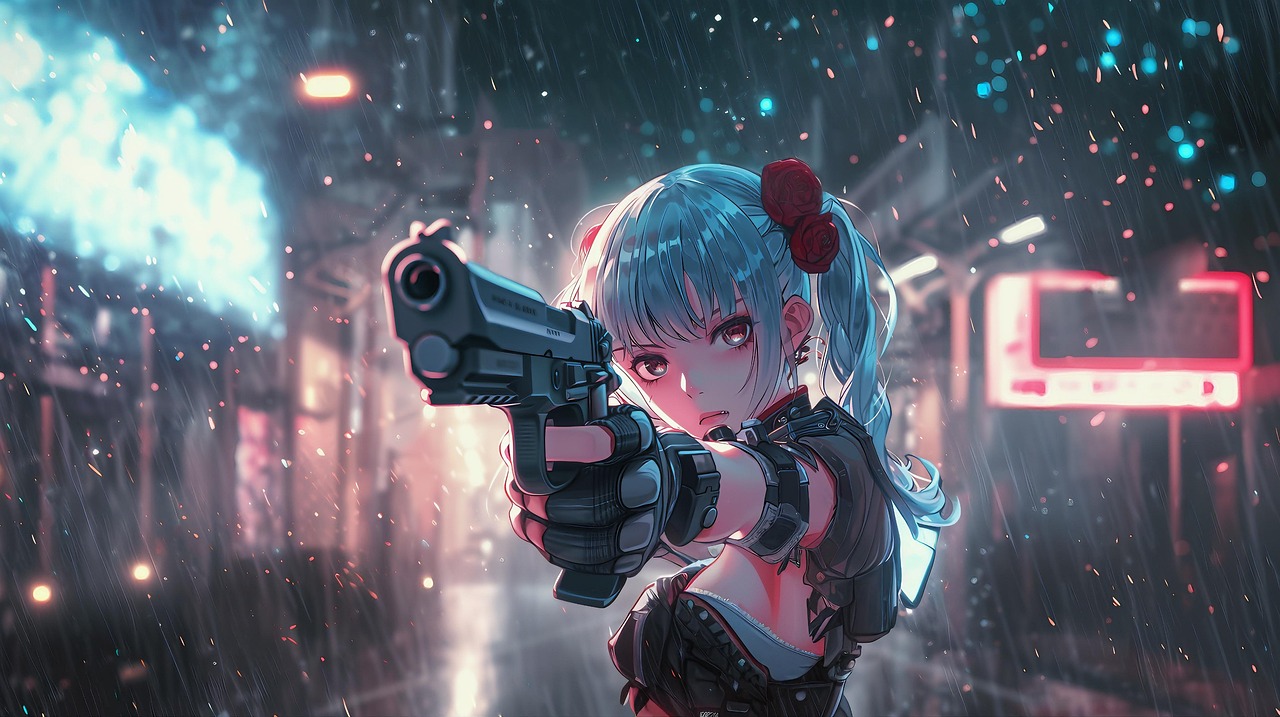
Nanobanana 2, GTP-Image, Midjourney, Stable Diffusion, and more are available from one simple interface. Variations, inpainting and outpainting, prompt history - all the features you expect.
AI Video Generation
Omni, Hailuo and Luma with more in the pipeline. Stunning video clips that faithfully follow your prompt. Even more amazing is to supply a sample image and watch it magically come to life.
Business Graphics
Generate business product shots, videos or complex info gaphics from a single phrase. The AI takes over the heavy lifting and sets up your animations, fonts, color scheme, text content, generates images and even adds a soundtrack! It's so good most people make a few edits and publish!.
Gutenberg Blocks
Image Block - create AI Images right from the image block. Ornate Separators - a Layout Block with thousands of design variations.
Get this on your site with the Genolve WordPress Plugin
Download Plugin
In WordPress go to: plugins -> Add New -> search 'genolve' Then automatically get API Key or
register
to get it manually
AI Assisted Design
Just supply a single phrase to make complete videos for product promotion, music videos, podcasts, explainer videos or go viral on social media. Make images for product shots, banners, blog posts, cover photos, newsletters or social media. The fonts are perfect, the colors match and the images are generated specifically for your purpose. Before this update many users complained that the user interface was too complex. This is no longer a problem; Genolve's AI handles the heavy lifting, ensuring you always have fresh, engaging content ready to go. Learn more about our AI assisted design.
Optimized for Businesses
Special workflows for product videos or images such as; virtual clothing try-ons, logo placement, change product backgrounds, AI image edits and avatar promotion videos. For business marketing, social media, website and even print content you have tools to make podcasts, infographics, brochures, flyers as well as standard website images and slideshows. All assests saved to the Media Library for quick access. MCP integration for automation on top of automation including running WordPress tasks from your LLM chat session.
The Image/Video Models
GPT Image
GPT Image is from OpenAI, the same company behind ChatGPT, this transformer based model is highly accurate, good for AI image editing, supports a number of aspect ratios and can do transparent backgrounds.
Stable Diffusion
The Stable Diffusion process was developed by Stability.ai. It released the model in open source and now a lot of companies offer variations and improvements on the original model. Genolve uses the newest models from Stability.ai which has fast generation, low cost, aspect ratios and negative prompting.
Midjourney
The most artistically stunning text-to-image generator is Midjourney. It uses a stable diffusion that has been refined to perfection. A big advantage of using Midjourney through Genolve is that you pay only for what you use (Midjourney charges a monthly fee) and all your images are in stealth mode (on Midjourney everyone can see your images unless you have the expensive plan).
Note that Midjourney currently does not support inpainting and it often does not exactly follow your prompt descriptions.
Images can be turned into equally stunning videos.
Nano Banana/Omni
Google now offers Omni for video and Nano Banana2 for images. Both hold up across all important metrics; excellent quality, adherence to prompt and fast generation. Their powerful image-editing customization capabilities are great for product shots; you can change the background of a product or replace objects simply by describing it e.g. "set the background to be a mountainous trail and replace the sneakers with hiking boots". Imagen does tend to be one of the more conservative models so you'll want to avoid it for anything risqué. Veo's speedy videos come at higher cost.
Hailuo
Hailuo made its name with stunning smooth videos. You can simply descirbe the video (be sure to include camera motion) or provide a sample image to work from. Their image generators are also quite good and a fraction of the price compared to other companies.
Luma
Luma excells at both text to video and image to video. They are low cost and quick. Luma has the ability to extend videos so even though you generate 5 seconds at a time, you can still build a longer video.
Image2video starting image:
Video clip produced:
Plugin Features
Free AI Credits
Free credits for about 100 images when you Tweet a creation you've made, details here!
Touch up your own images or stock photos using a brush to add new details or remove unwanted objects. There is a button to make variations of any image that is close but not quite perfect.
Top LLMs
Latest models; gemini-3.1-pro-preview, claude-fable-5-1, claude-opus-5-5, gpt-6-astra, gpt-6-sol drive the AI-assisted design and are also at your fingertips to help create ads, product descriptions, proofread text or generate quotes.
Free Stock Images and Video
Grab copyright-safe images from sources like WikiCommons or Pixabay. WikiCommons has millions of images while Pixabay has a curated high-quality selection.
SVG-Stickers-Masks-Tiles
Mask your AI images with a large library of SVG masks or overlay your images with stickers like arrows, text bubbles, emojis, watermarks, etc. or immediately use tile images in a background.
Automatic Featured Image
When you make a slideshow, you can also generate a featured image that shows in social media posts. Note that you may need an SEO plugin that sets the proper meta tags to have your featured image post on social media. Genolve is compatible with all the popular WordPress SEO plugins like Yoast.
Interactive Slideshows
Premium Members can make slideshows fully interactive with buttons or game-like interactions powerful enough to construct a Rube Goldberg machine.
Try It Out Now
The interface used in WordPress is the same one used on this site. Try making a featured image or banner webpage. Customize it by changing backgrounds, stickers or text. See the tutorials below for ideas on what you can make.
WordPress Shortcode
Genolve does not use shortcodes. In 'Image Mode' just use the generated images stored in the Media Library. In 'Slideshow Mode' you can use the MP4 videos directly or place the coverphoto and it automatically gets converted to SVG animation (do not rename the coverphoto or this automation may break).
Get Plugin for WordPress
In WordPress go to: Plugins -> Add New Plugin -> search genolve