Small Business, Big Visuals: AI Photo & Video Ideas for Ad-Ready Content
Genolve brings the world's best AI models together so you can enhance product photos, create video promotions, and handle everyday tasks in minutes — not days. Workflows to make: a virtual try-on for your clothing line, an AI avatar endorsing your product, swap backgrounds, add your logo, or bundle products into a killer promo. It's all built in, stop juggling tools and start creating.
Image:
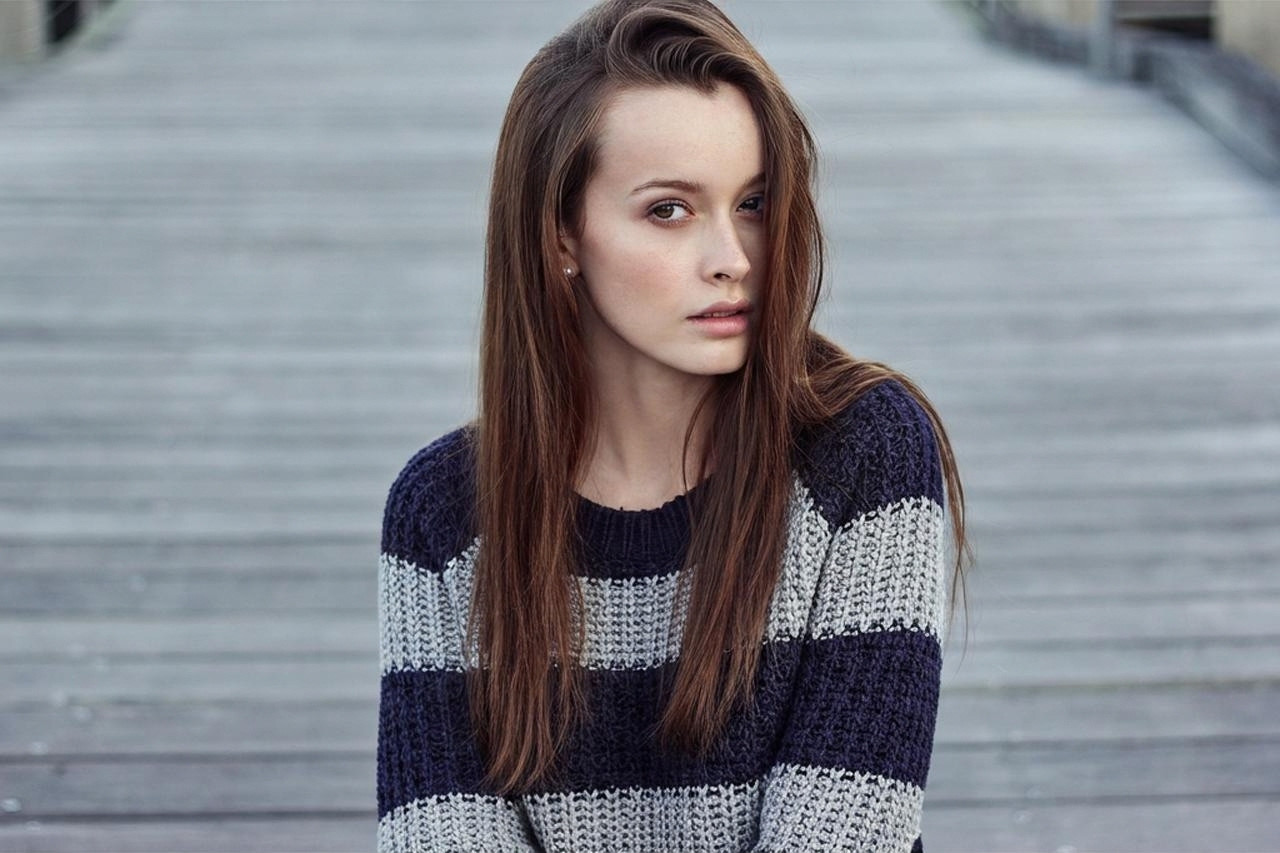 Virtual Clothing Try-on
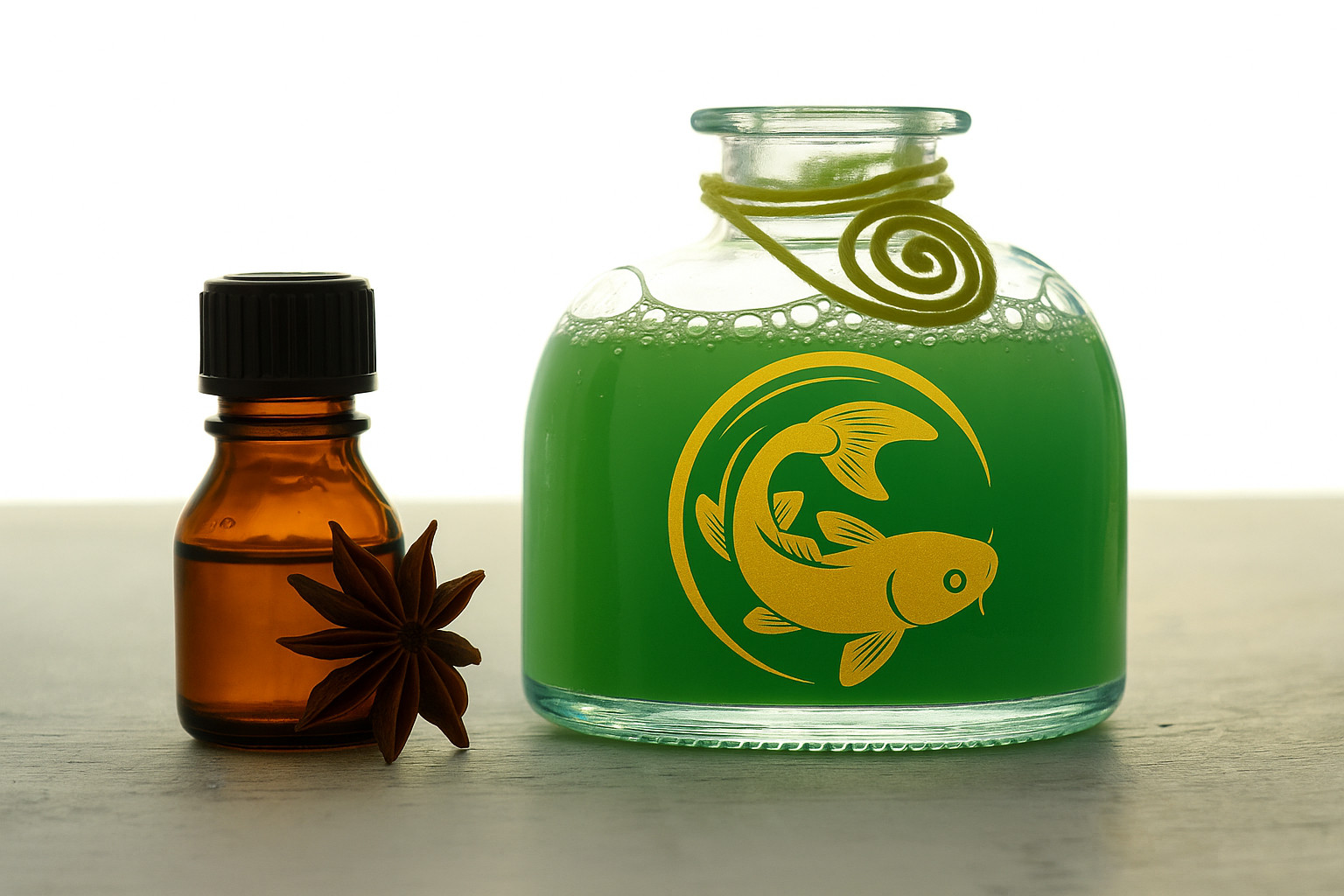 Place Logo on Product
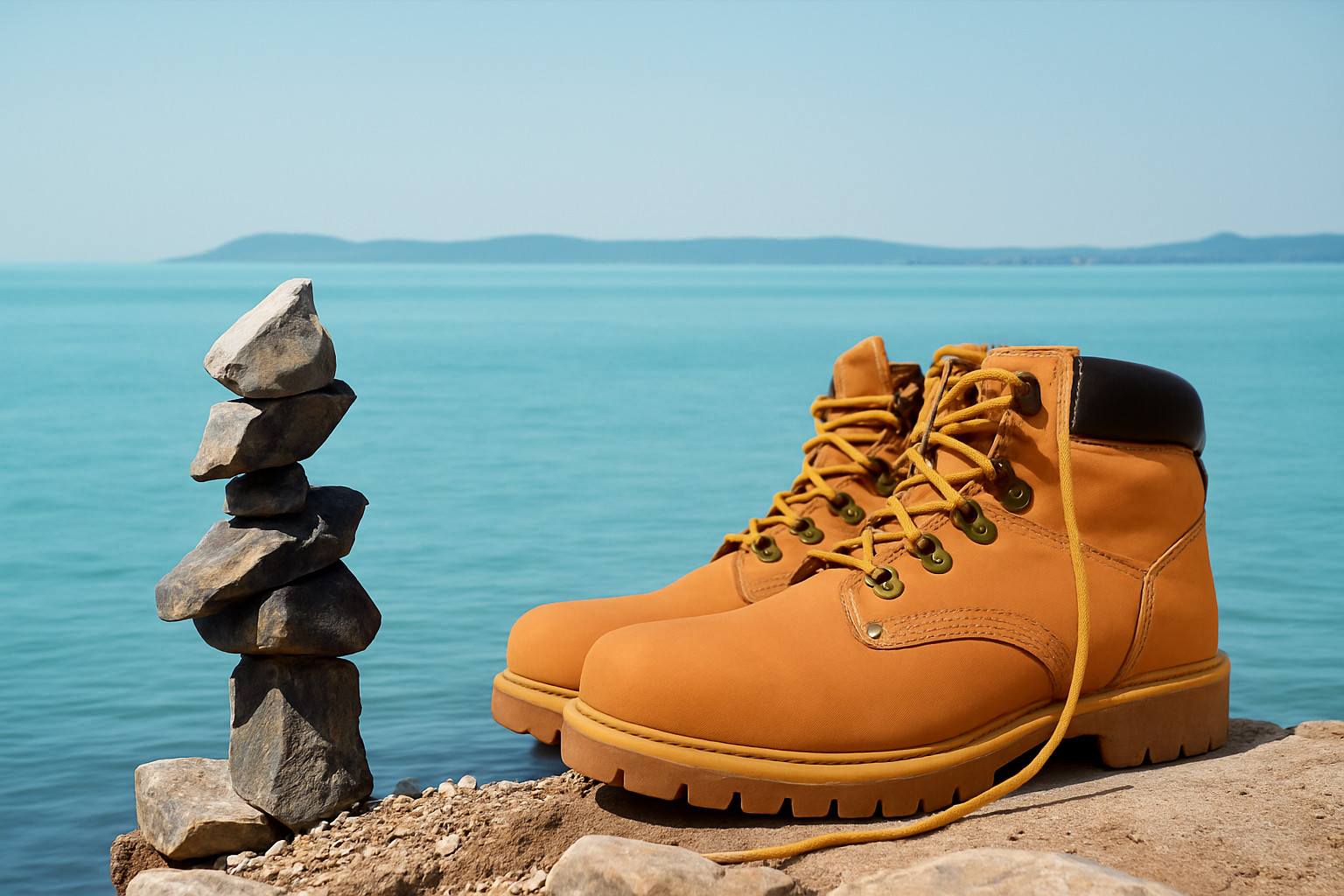 Change Product Background
Video:
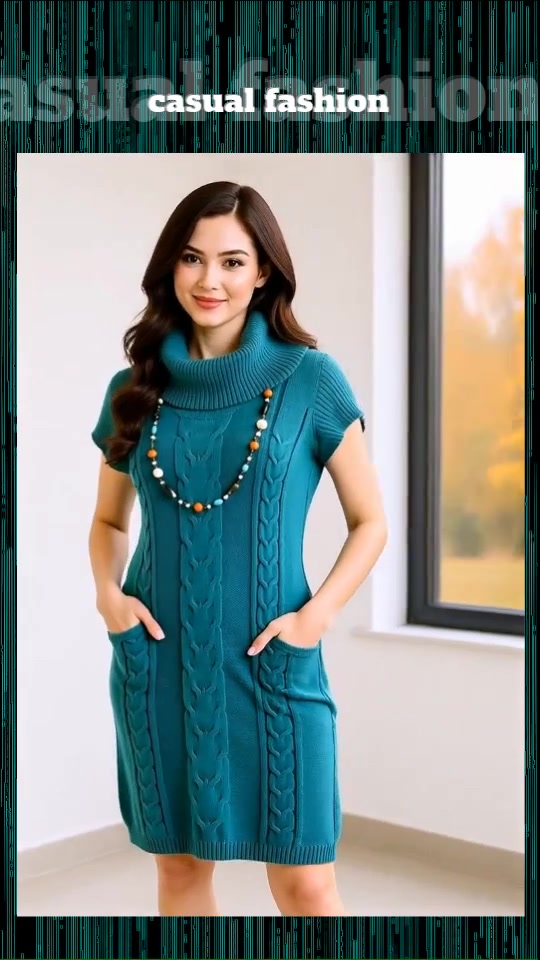 Clothing Try-on Video
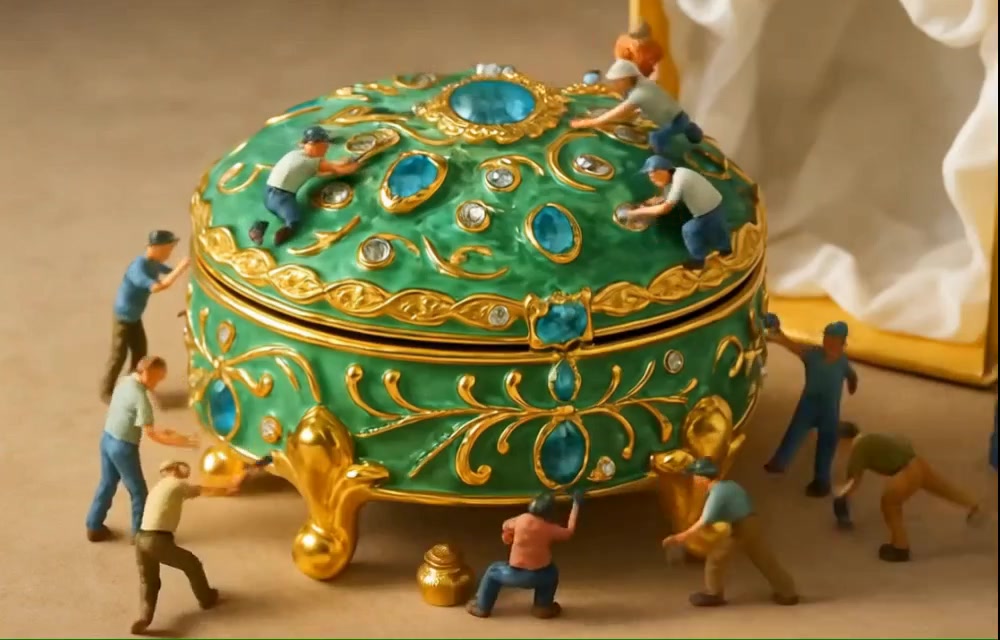 Miniature People Assemble Product
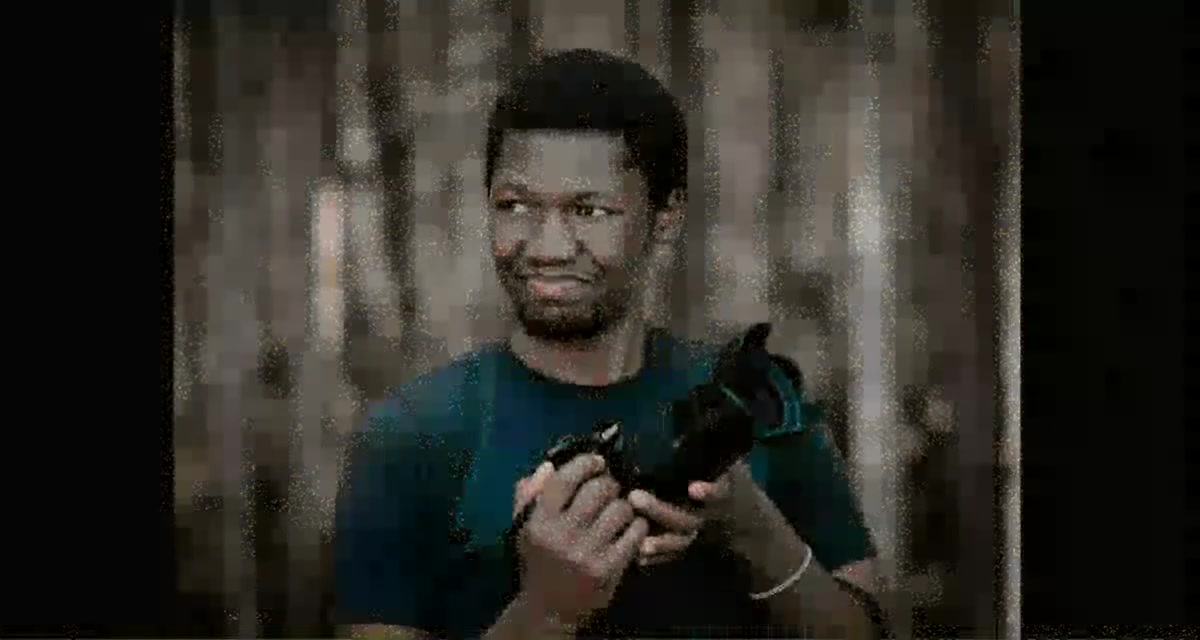 Talking Avatar Promotes Product
Business AI Photo Edits
With Virtual Clothing Try-On, the AI will put your clothing item on the model of your choice. You need a good photo of your product and a person. Avoid copyright issues by using an AI generated person. Genolve uses a special AI model to keep your product integrity intact. Note the extreme difficulty of the following example; a folded sweater and the hair falling over the sweater! Tip: image order is usually not important but is here - the person image must be first.
Virtual Clothing Try-On
Starting images and prompt: athletic woman wearing sweater

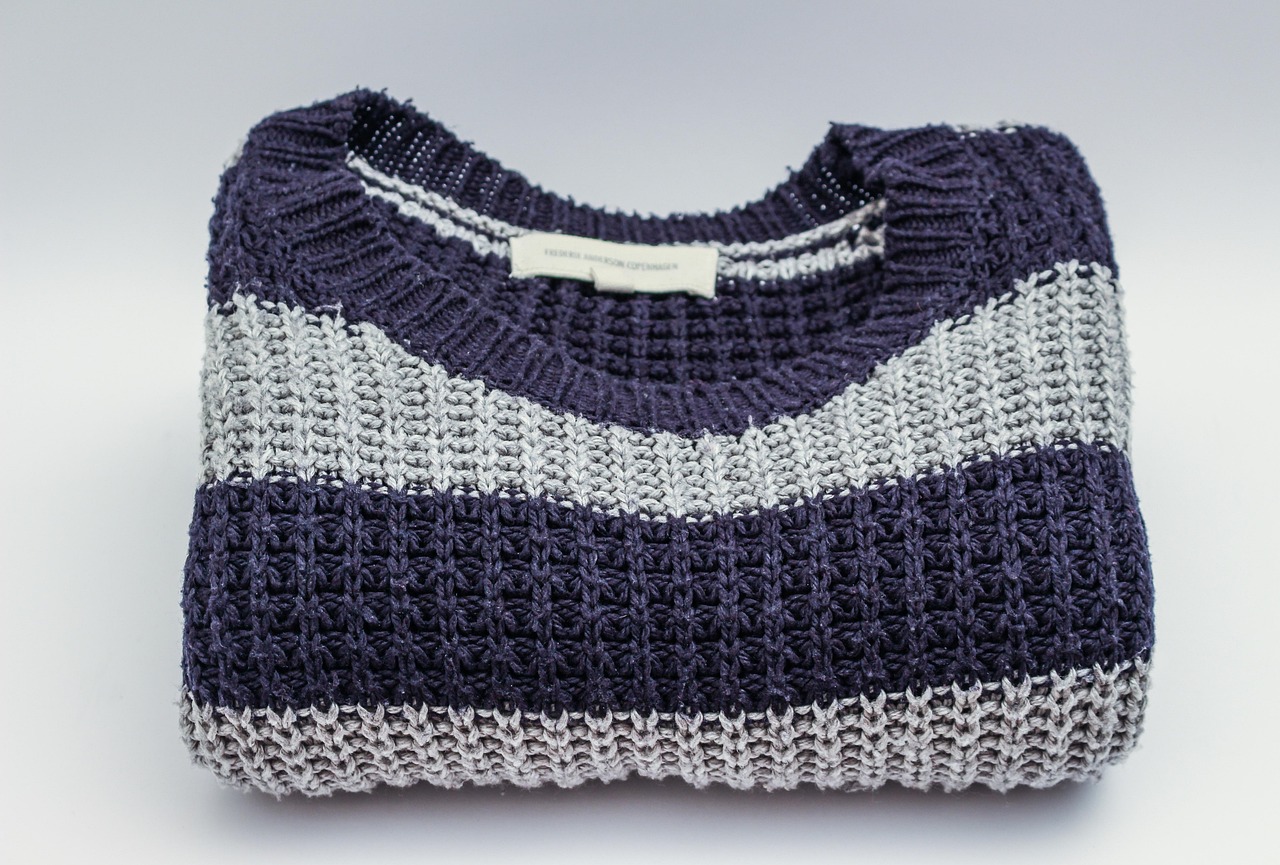
credit: both images from Pexels on Pixabay
Final image:
A common task is putting your logo on a product or packaging. This is easily done with AI, just supply your logo and a product pic. Use this same workflow to put a phrase or graphic design on a product.
Place Logo on Product
Starting images and prompt: center yellow-tinted fish logo on green bottle
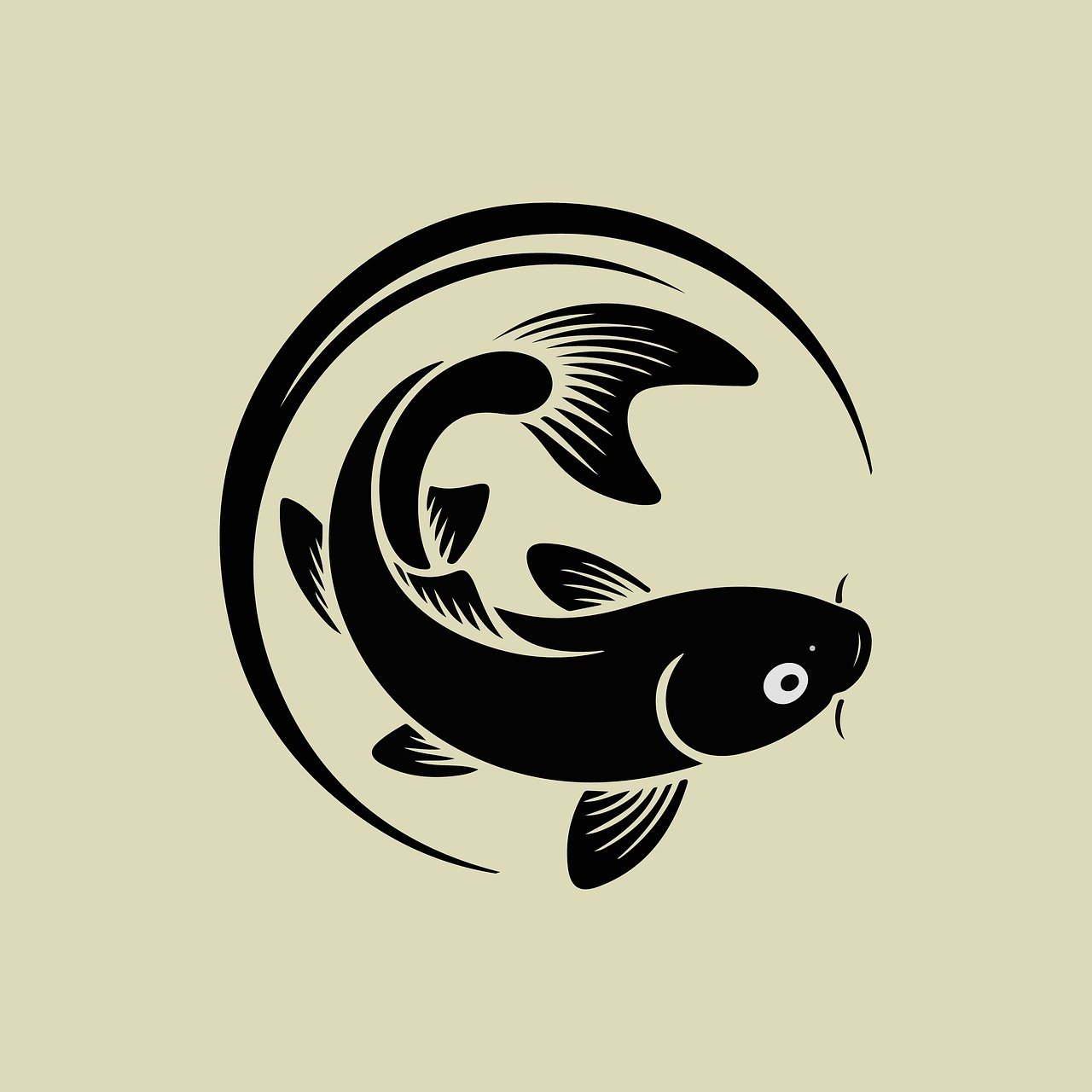
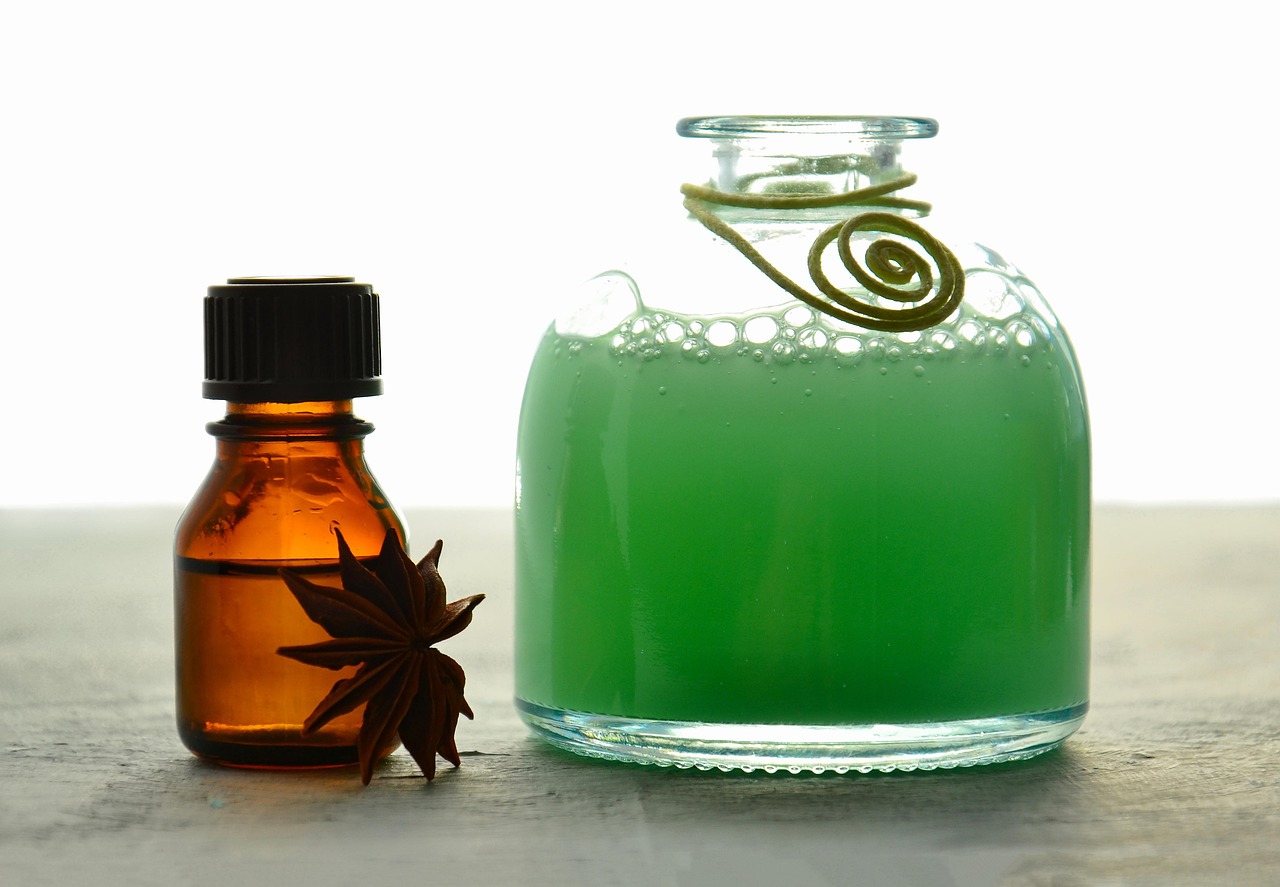
credit: logo from arafatf0 12 on Pixabay, product from Mareefe on Pixabay
Final image:
Instead of going to exotic locations to do product shoots, you can now do them from the comfort of your office. While arguably less exciting you save a lot of time and money. Tip: the AI may change the product appearance, simply tell it not to.
Change Product Background
Starting images and prompt: place the boots next to rock tower and top of boots lower than top of tower, do not make any changes to the boots
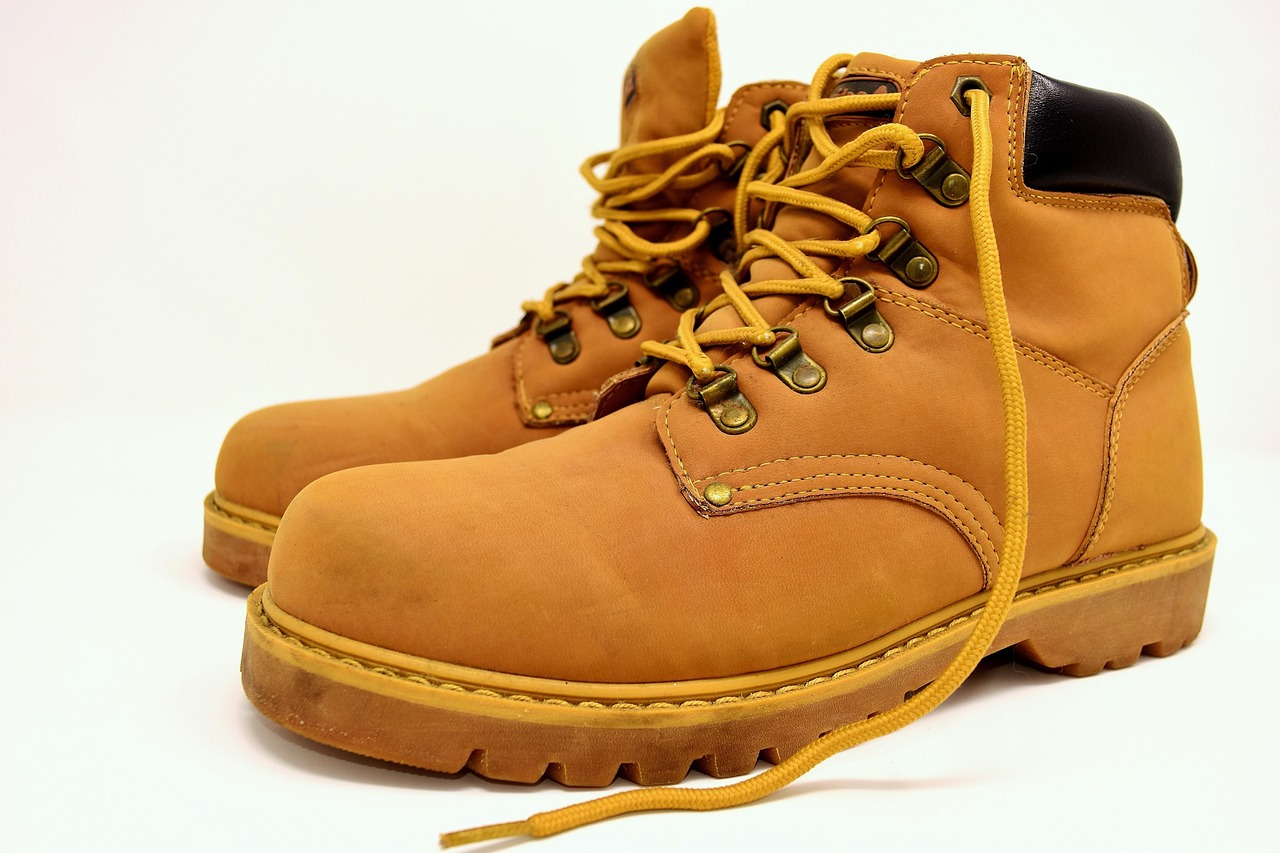

credit: boots from Alexas_Fotos on Pixabay, landscape from ivabalk on Pixabay
Final image:
Business AI Video Ideas
Videos have more impact than images and AI has made leaps and bounds in video generation. Here are some preset workflows designed especially for clothing try-ons, talking avatar product promotion and the super creative 'miniature people assemble product'. Tips: These videos take time to generate, expect to wait five minutes. Some videos come preloaded with sound, to turn it on click the video and set the control 'video sound' to 'when visible' and also make sure animations are playing; there will be a moving yellow line at the top of the video.
Clothing Try-On Video
Starting image and prompt: several women model dress in various settings
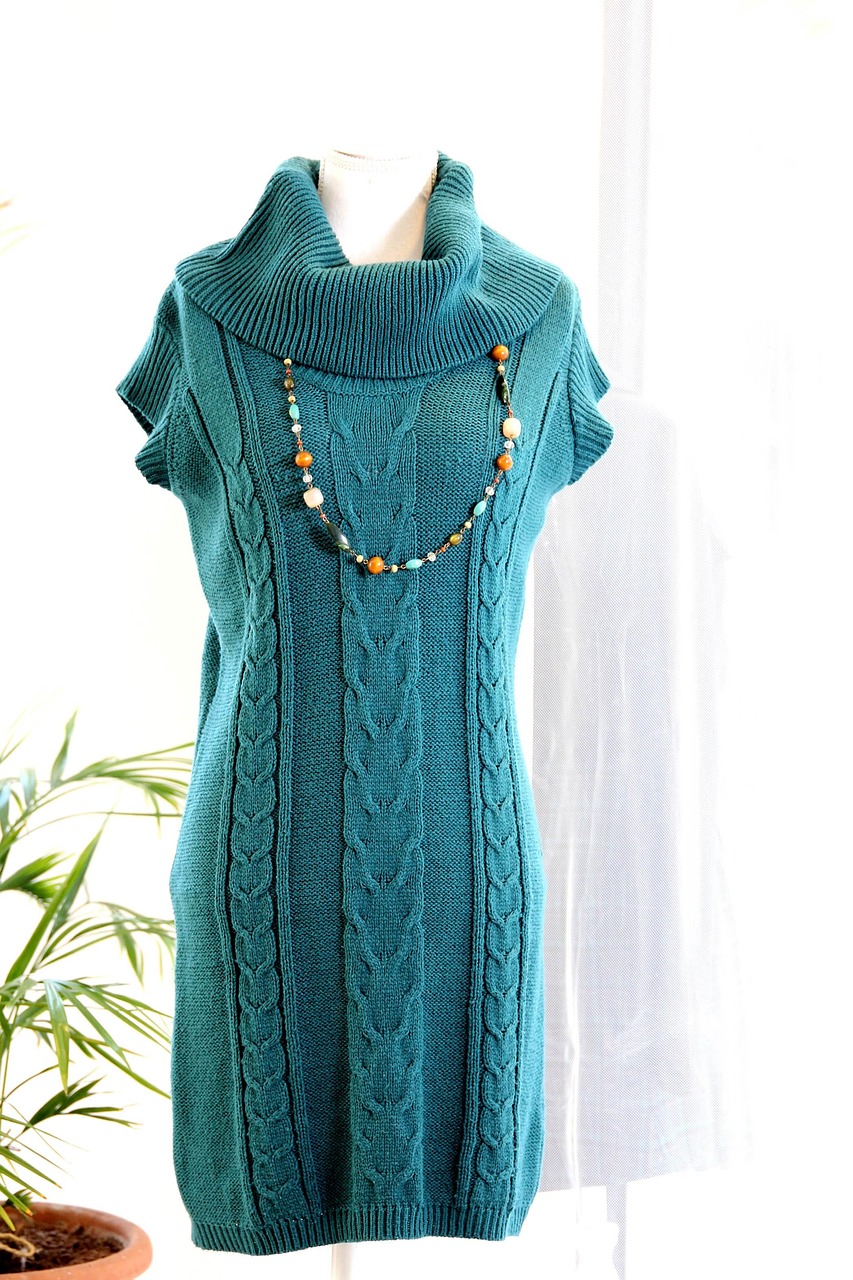
credit: dress from ZsoltHubicska on Pixabay
Final video:
If you sell handcrafted items, what better way to emphasize the handcrafted nature than with little people working on your product! Unfortunately the product does get altered a bit by the AI so this works best if your product is not mass manufactured but is indeed handcrafted.
Miniature People Assemble Product
Starting image and prompt: miniature people assemble jewelry box, do not change appearance of jewelry box
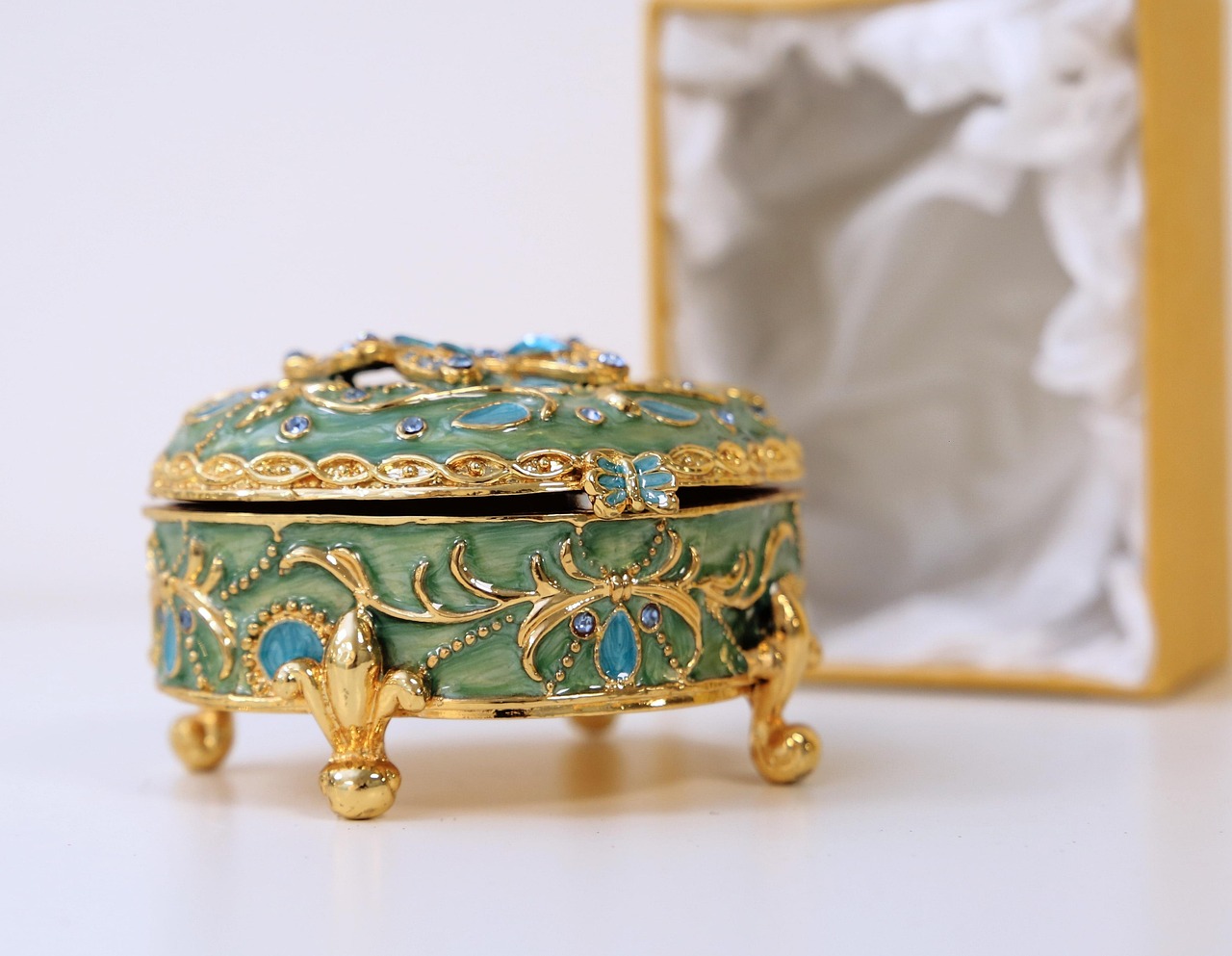
credit: jewel box from shreechand on Pixabay
Final video:
The next best thing to a celebrity endorsement is an attractive model endorsement. What used to be very expensive is now easier than ever with AI! Just supply a text script of what to say and a picture of the person holding your product. Try this three-step process: 1) Get the model picture and 2) AI-edit your product into the photo 3) Generate the video.
Talking Avatar Promotes Product
Starting image and prompt: the man holds up the camera and says 'this is the camera I use for all my action shots, it never lets me down'
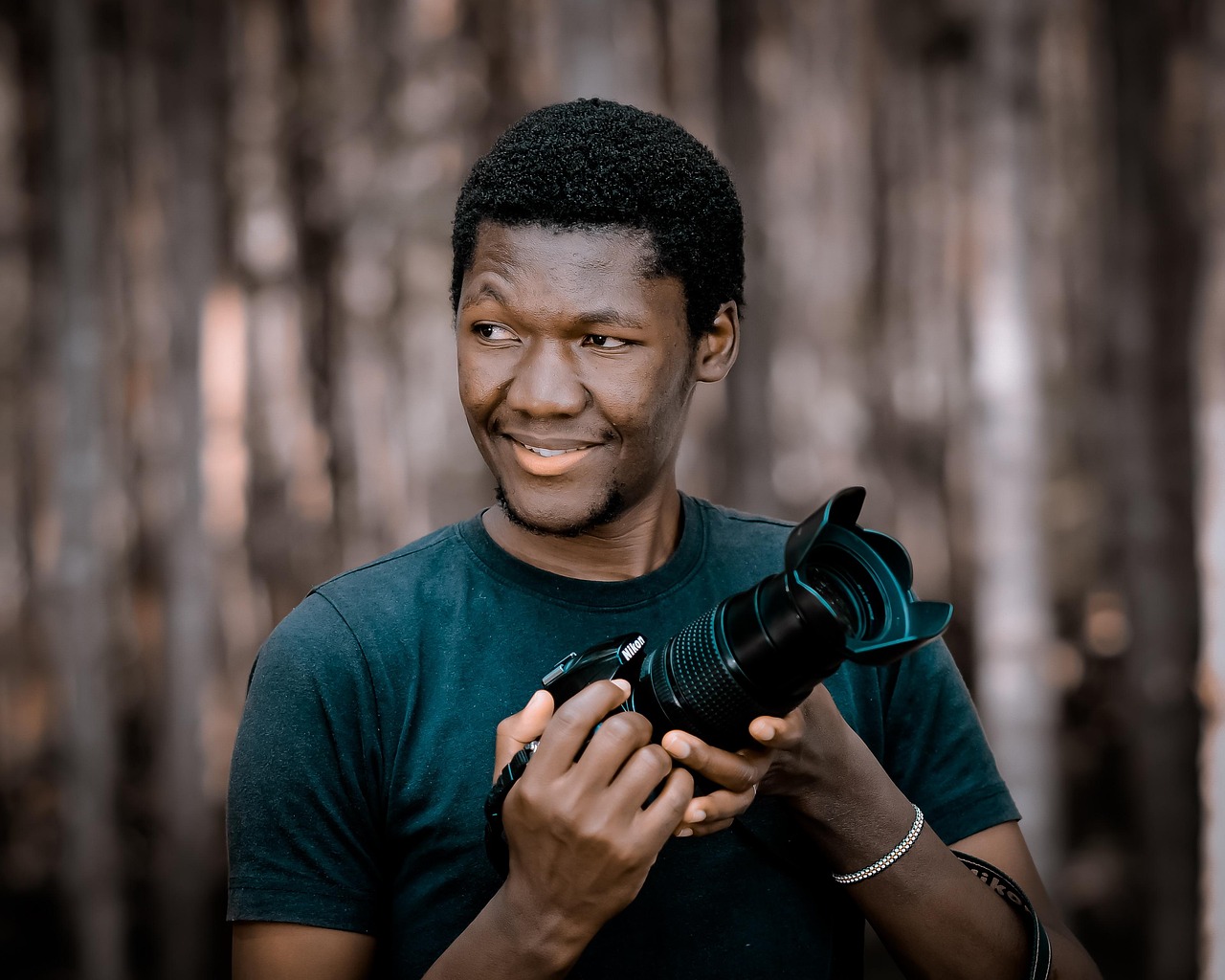
credit: photo from keyame on Pixabay
Final video:
Try Other Workflows
In the AI tool, each tab is a workflow than can be used for producing media for your business. Get a professional podcast discussing your company or a video on your new promotion or product launch.